
JBL makes some of the best Bluetooth speakers around, but one of its best features isn't that well known. There are a couple of good reasons for that: PartyBoost only launched a few years ago, replacing a very similar feature; and you need more than one compatible speaker in order to use PartyBoost.
JBL hasn't helped itself here. It's changed its wireless pairing technology every few years, leading to much confusion and a lot of compatibility issues. You would think if you had bought speakers exclusively from JBL for the last decade they would all work together, but you would be wrong.
PartyBoost replaced Connect+, but is now being replaced by a non-proprietary technology called Auracast on newer JBL speakers. This means that certain generations of JBL speakers won't work with older or newer models.
Confused? We don't blame you.
But don't worry, we'll tell you everything you need to know about PartyBoost, Connect+ and Auracast, and explain which speakers work with which.
JBL PartyBoost
What is JBL PartyBoost?
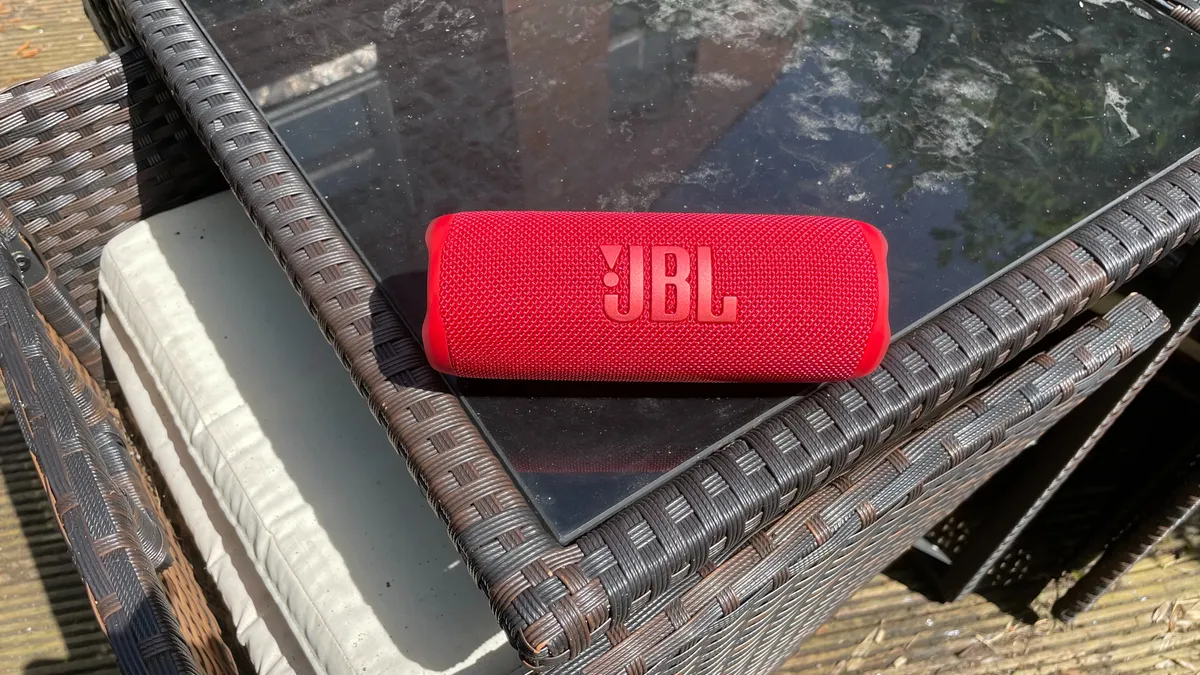
PartyBoost is a way of wirelessly pairing multiple JBL speakers together to enhance the sound. Once paired, you can either listen in Stereo mode or Party mode.
Stereo mode uses two speakers, each of which acts as either the left or right channel. Party mode can pair up to 100 speakers, all of which play the same audio for maximum volume and effect.
However, Stereo mode only works with two of the same compatible devices. So you can use stereo mode when you pair a Flip 6 with another Flip 6, but not if you pair a Flip 6 with a Flip 5. Nothing's ever easy.
PartyBoost has two advantages over the Connect+ technology it replaced: a stronger connection and wider range, so you can spread your speakers over a larger area and still connect them together wirelessly.
Which JBL speakers have PartyBoost?
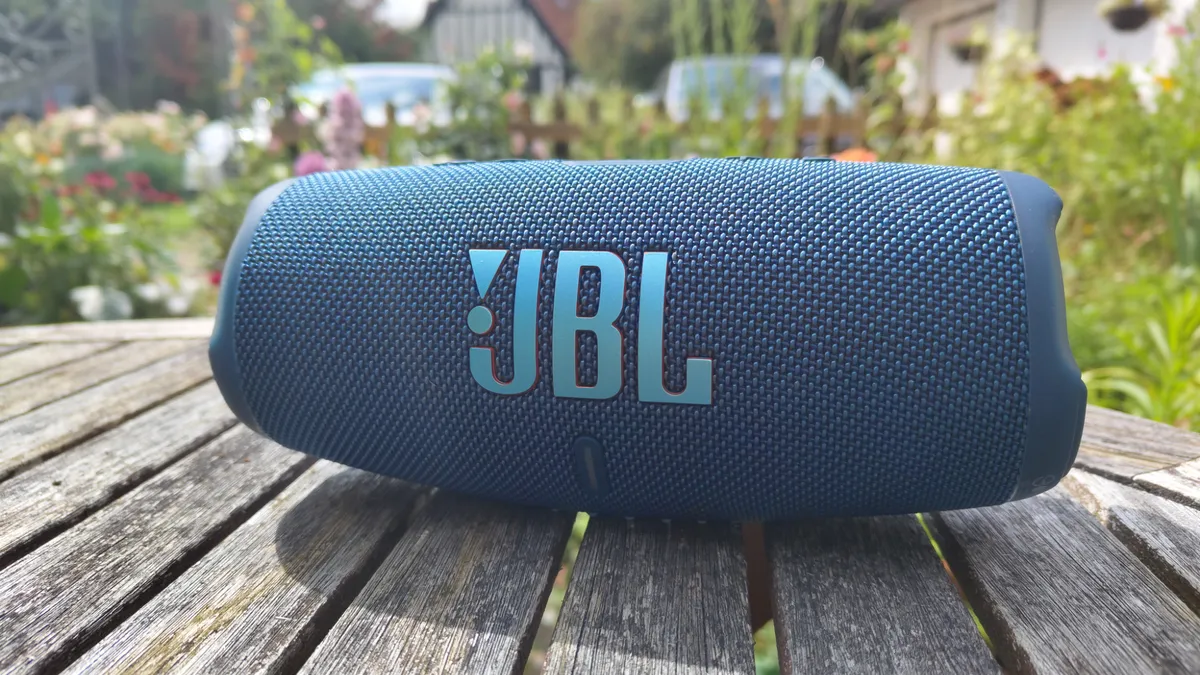
Some of JBL's most popular speakers have PartyBoost, though it is being phased out in favour of Auracast.
- Flip 6
- Flip 5
- Charge 5 (but not the Charge 5 Wi-Fi)
- Pulse 4
- Boombox 3 (but not Boombox 3 Wi-Fi)
- Boombox 2
- Xtreme 4 (which has Auracast as well)
- Xtreme 3
How to pair using JBL PartyBoost
Press the Bluetooth button on the speaker to put it in pairing mode, then tap on the speaker's name in your device's list of Bluetooth devices.
Open the JBL Portable app on your device, and you'll see the speaker you're connected to. Press the connect button on each speaker you want to connect, and they will appear within the JBL Portable app.
Just select Stereo mode or Party mode, and hit play. Voila, your speakers will respond accordingly.
To disconnect PartyBoost, just press the connect button again on the relevant speaker(s).
JBL Connect+
What is JBL Connect+?

Connect+ is JBL's earlier technology for connecting its speakers together wirelessly. Though it wasn't its first – Connect+ followed JBL's Connect tech, though that's too old to feature here.
Which JBL speakers have Connect+?

Being an older technology, Connect+ features on older JBL speakers, some of which are still on sale despite being succeeded by newer models. You might find the others secondhand or refurbished.
How to pair using JBL Connect+
You can pair JBL Connect+ speakers together without using an app.
Connect your phone to your speaker by pressing the Bluetooth button on your speaker and tapping on its name within your phone's list of Bluetooth devices.
Play music, and press the connect button on all the other speakers you want to hook up using Connect+. They should all connect within 30 seconds.
However, you can also use the JBL Portable app when pairing to give you a greater degree of control over the speakers. This was previously known as JBL Connect, but it still retains the ability to use Connect+.
Auracast
What is Auracast?

Auracast is the wireless pairing technology found in the newest JBL speakers. Unlike PartyBoost and Connect+, Auracast is a little different, because it's wasn't created by JBL. Rather, it's a third-party technology that's also used by other manufacturers.
That means you can pair your JBL speakers with those made by other manufacturers (as long as they have Auracast, that is). Which you can't do with Connect+ or PartyBoost.
Because Auracast works via Bluetooth LE, it has a wider reach and is less of a battery drain than other technologies. And it can pair an unlimited number of devices, whereas Connect+ and PartyBoost are limited to 100. Though if you're pairing more than that, you might want to warn the neighbours.
You can find out more about the technology in our What is Auracast? guide.
Which JBL speakers have Auracast?

Auracast is restricted to newer JBL speakers. As well as the below, it features on the four-star JBL Tour Pro 3 wireless earbuds.
- Xtreme 4 (which has PartyBoost as well)
- Charge 6
- Flip 7
- Go 4
- Clip 5
- Grip
- Boombox 4
- Tuner 3
- PartyBox Stage 320
- PartyBox Club 120
- PartyBox Ultimate
- PartyBox 720
- PartyBox 520
- PartyBox Encore 2
- PartyBox Encore Essential 2
How to pair using Auracast
Connecting your JBL speakers via Auracast is much the same as with Connect+ or PartyBoost. Connect your device to the first speaker as you would with any Bluetooth device, then press the Auracast button on the speaker itself. You will hear an 'Auracast On' tone to indicate it's activated.
Next, press the Auracast button on any other speakers you want to connect. Make sure they're all within range and set to broadcast mode.
And that's all there is to it – your speakers will connect and play the same music as the first.
To disconnect, just press the Auracast button again. If you press it on the first speaker you connected, music will stop playing on all the speakers.
FAQ
Can you pair PartyBoost speakers with those running Connect+ and Auracast?
No, unfortunately not. Each technology works in isolation, so Connect+ speakers only work with other Connect+ speakers, PartyBoost with PartyBoost, and so on.
The exception to this is the JBL Xtreme 4, which has both PartyBoost and Auracast. That means it can pair with both PartyBoost speakers like the Flip 6 and Auracast models like the Charge 6 (as well as Auracast speakers made by other companies).
JBL clearly has the tools to make Auracast speakers backwards compatible, but for whatever reason hasn't done the same with its other Auracast speakers. So if you buy a latest generation JBL speaker, it won't work with your older models (except for the Xtreme 4, that is). Very frustrating.
What's the difference between PartyBoost and Connect+?
While the two technologies do much the same thing, there are some differences between them. PartyBoost has a more robust Bluetooth connection between speakers, which should mean fewer drop-outs. And because the Bluetooth transmitter is more powerful in PartyBoost speakers, it has a greater range, and so the speakers can be placed further apart and still connect.
What's the difference between PartyBoost and Auracast?
Just as PartyBoost is more advanced than Connect+, Auracast is more advanced than PartyBoost.
Auracast can in theory pair an unlimited number of speakers, while PartyBoost has a maximum of 100. Because Auracast is powered by Bluetooth LE, it has a wider reach and lower battery drain. And because Auracast is a third-party technology that's not exclusive to JBL, JBL Auracast speakers can connect to Auracast speakers made by other manufacturers, greatly opening up your choice of partners.
MORE:
Which JBL speaker should you buy? Find out here
Check out JBL Charge 6 vs JBL Charge 5: which is better?
And the JBL Xtreme 4 vs JBL Xtreme 3

