
Oh, Tidal, the love-hate relationship that you and I have.
I am, on the whole, immensely fond of the Norwegian-American hi-res service, having used it as my streaming platform of choice for the past three and a half years.
The music quality remains top-notch, the in-house catalogue is impressive, and it makes me seem cooler whenever normal people ask me which service I’m subscribed to and I reply with something other than Spotify or Apple Music. They do tend to walk away whenever I start talking about bit rates and the death of MQA, though.

My problem with Tidal has always been its pretty mediocre levels of usability, which often threaten to mar your experience and take the shine off those otherwise sparkling hi-res tracks. Strange organisation schedules, ropey CarPlay, unwanted glitches – it’s hardly been plain sailing, but we’ve always managed to muddle through.
The biggest issue I had with Tidal was its handling of downloads. This might seem like a niche concern, especially in an age where you could probably get a reasonably steady wi-fi connection at the bottom of the Mariana Trench, but it matters to me.
It matters because I do a fair bit of travelling, mainly for work, and most planes still don’t offer wi-fi as standard. Even if they do, it often comes with a price attached, especially on long-haul flights. Honestly, it’s like living in the Dark Ages.
Hence, being able to download my music and, crucially, have it work once I’m offline and 40,000 feet in the air, matters. Nobody wants to spend a chunk of their afternoon downloading their extensive back catalogue of songs onto their iPhone, only to discover that, once they’re halfway over France, none of them will play.
That, by the way, is exactly what happened when I was taking a trip to Germany a few months ago and found that only a few of my precious tunes seemed to be working. Despite having downloaded my entire Tidal catalogue – and feeling smug while waiting to board – some songs wouldn’t play. Some would, some wouldn’t, and there was no immediate way of identifying which was which.
Thankfully, the issue seems to have been rectified. Tidal has given its download interface a bit of an overhaul, with a revamped section displaying all of your downloaded tracks in a separate corner of the app.
From here, you can access all your safely banked tunes even when offline, without the app telling you, as it has sometimes done before, that you need to be online, despite the song clearly showing up in the playlist you just downloaded. Make sense of that, philosophy majors.
The experience is far better now. It’s more stable, straightforward and secure, and that lottery of finding out which of your songs has actually made the cut seems to be a thing of the past.
On a more recent trip to Austria for the High End Vienna showcase, all of my downloaded music worked just as it should. No guessing which tracks would work, no glitches on my saved songs, no asking the air stewards for sedatives or a spare parachute.
Things still aren’t perfect, of course. The fact that you still can’t download individual tracks continues to boggle my brain, especially as it must be such a simple thing to implement.
You can go through songs individually and have them saved onto your device on Spotify and Qobuz, but with Tidal, you still have to add songs to your collection or other playlists before you can have them for your own. It’s like some sort of weird loyalty test to make sure you’re serious about the commitment.
Things aren’t entirely rosy once you’re offline and up in the (metaphorical) clouds, either. You can’t queue tracks when in offline mode, even if they’ve been downloaded, which seems like an odd blind spot. Try to do so, and you’ll just get a network error on an angry red banner. Don’t get angry at me, Tidal; it’s a perfectly reasonable request.
Plus, it is still tricky to tell what has and hasn’t been downloaded. Yes, it should be safe to assume that everything within your download section should now be saved onto your device, but given the glitches I’ve experienced in the past, Tidal needs to work pretty hard to regain my trust.
Having differentiation for when you’re not in your download section is where this would come in really handy, putting you in a far better position to figure out which songs potentially aren’t going to be available when you take your next trip.
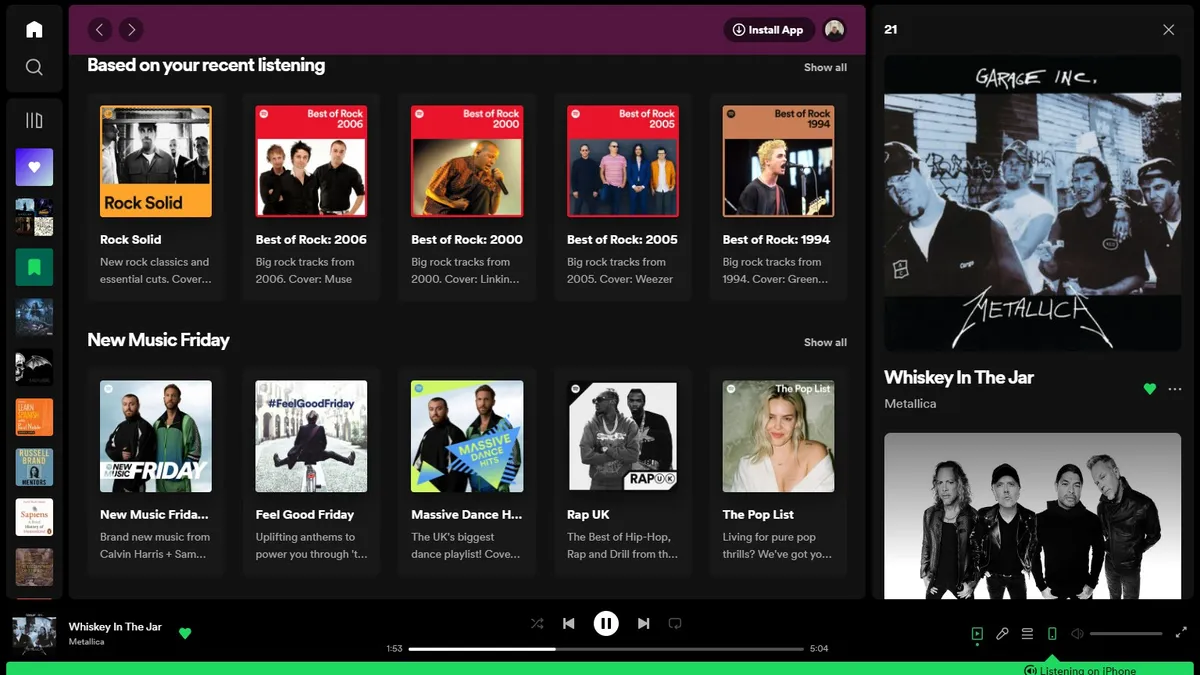
Again, on Spotify, you’ll have a big green arrow distinguishing which tracks are downloaded and which aren’t, making the whole thing much more straightforward. Pretty simple, right?
All in all, though, Tidal is moving in the right direction. The developers tend to find time to make frequent updates and amendments to the platform’s interface, and they’re transparent about what they’ve added and why they’ve done so.
Downloads were a huge blind spot in the past, but there are positive signs that the issues which have dogged my experience are steadily being rectified.
If so, I can finally enjoy my glamorous jet set lifestyle without the fear of it lacking the appropriate soundtrack. I might pack my own parachute, though. Just in case…
MORE:
Why the time is right for a new Sony Walkman
“It would be disingenuous to say that we have a plan for attracting younger music fans” – AudioQuest on the new DragonFly and getting Gen Z into hi-fi
These are the best music streaming services

