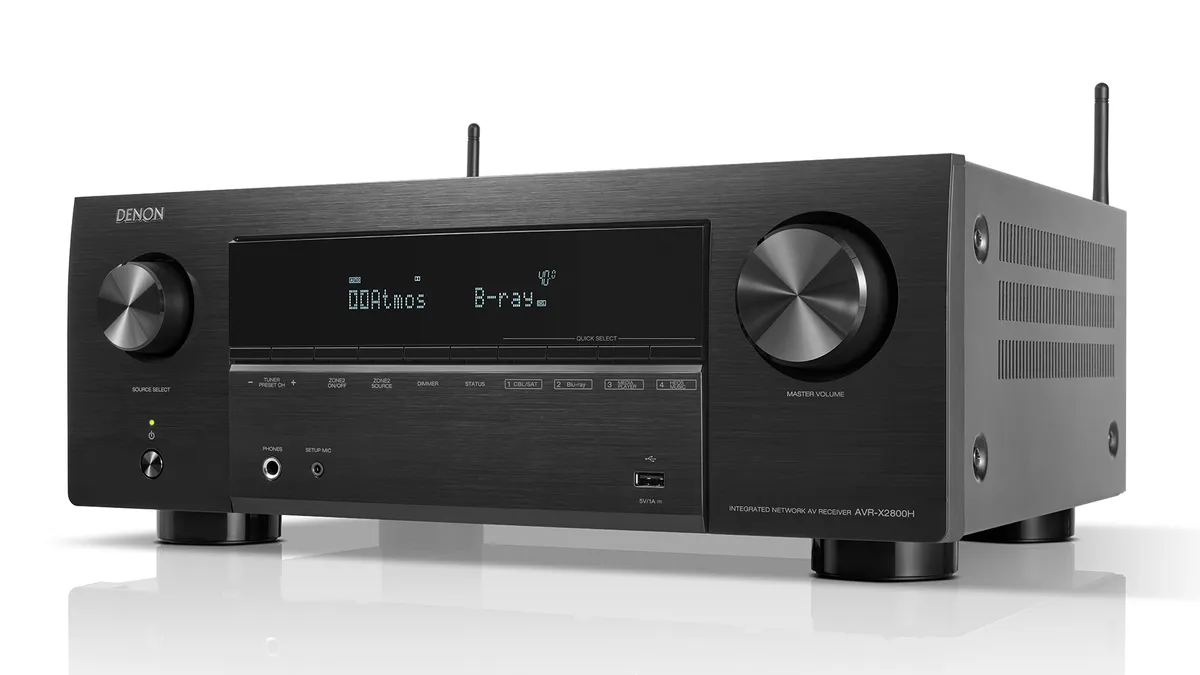
This Award-winning, Dolby Atmos touting Denon AVR is an unmissable home cinema deal
We reviewed the AVR-X2800H at £869 and awarded it Product of the Year in 2022, but it can be yours for just £599 right now.
All the latest hi-fi and home cinema news from What Hi-Fi?
We reviewed the AVR-X2800H at £869 and awarded it Product of the Year in 2022, but it can be yours for just £599 right now.

Get your hands on LG's excellent G2 TV for less than half its launch price over at Richer Sounds
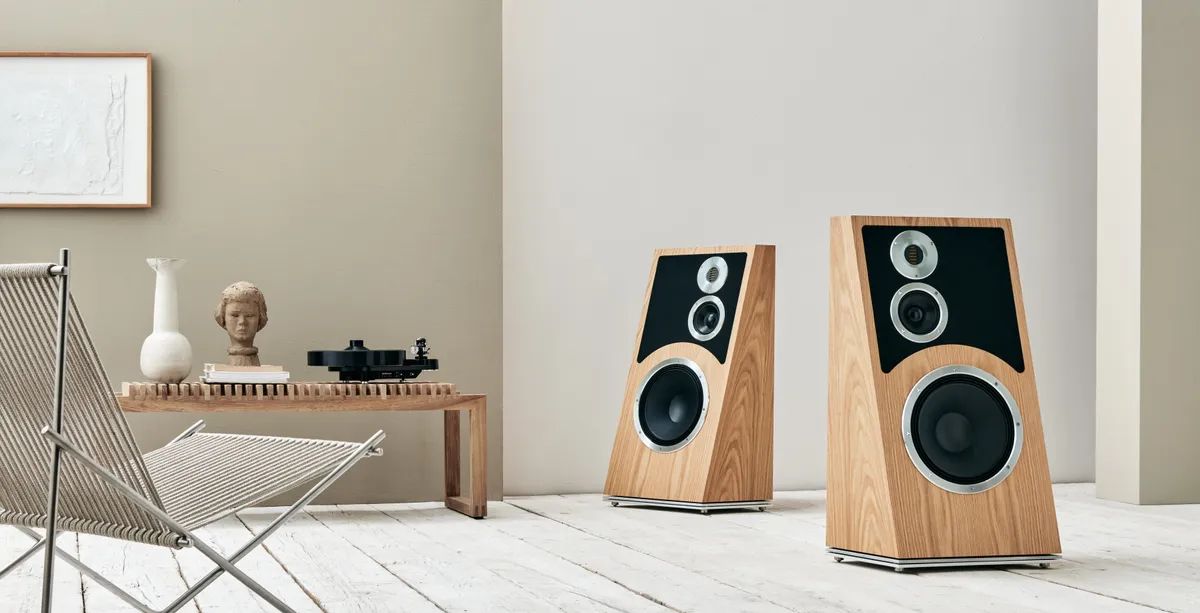
The Trapeze Reimagined speaker mixes modern engineering with inspiration from the past.
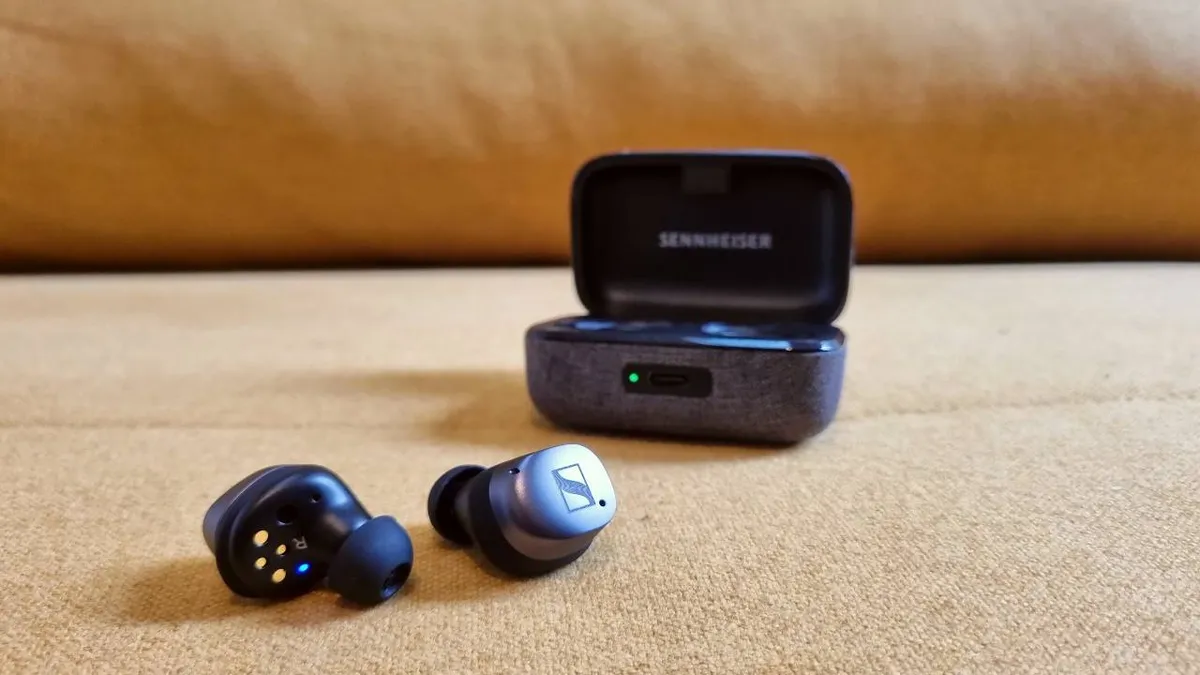
The heavily discounted five-star Momentum True Wireless 3 are some of the finest wireless earbuds money can buy.

B&O's second renovation project revolves around the Beosound 9000 from 1996.
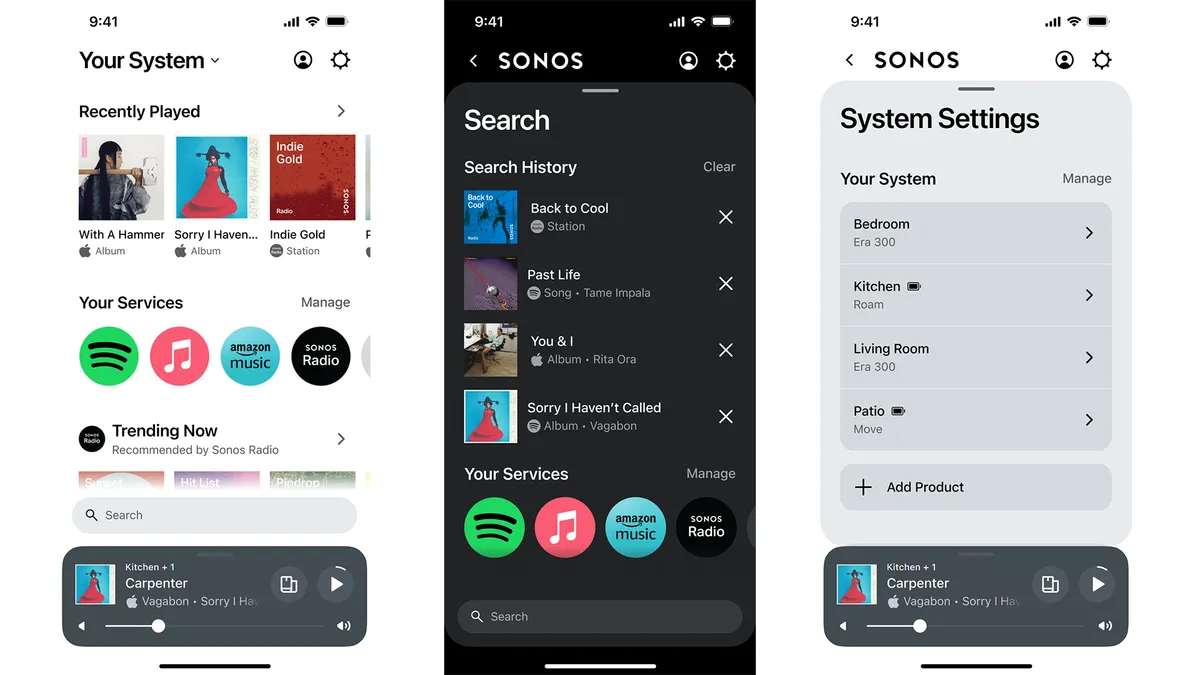
The redesigned Sonos S2 app update includes a customisable, one-stop home page to access all music, more powerful search and a new web-based app.

Does Japan Display's eLEAP technology pose a serious challenge to existing OLED variants?

PMC has teamed up with prog pioneer Steven Wilson as he presents his latest album via Dolby Atmos at High End Munich 2024.

Amazon Prime Day Amazon's summer sale is on the way. Here's everything we know so far...
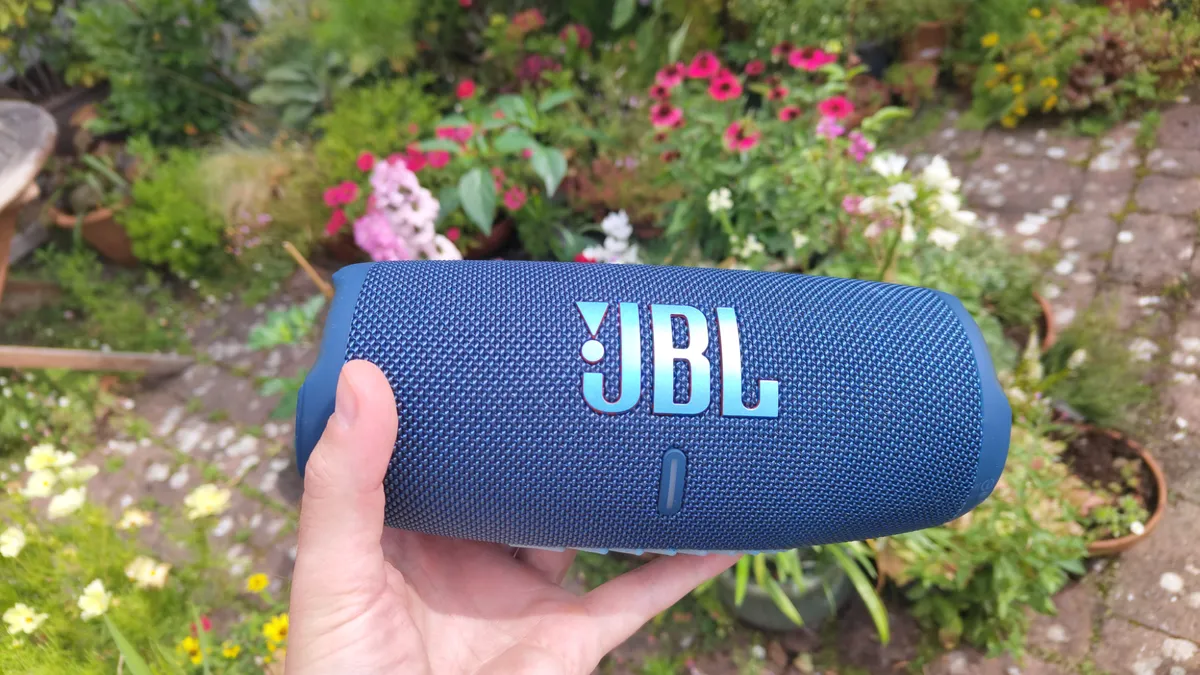
The five-star JBL Charge is one of the best Bluetooth speakers at its price, and it's now enjoying a discount of nearly 30 per cent.
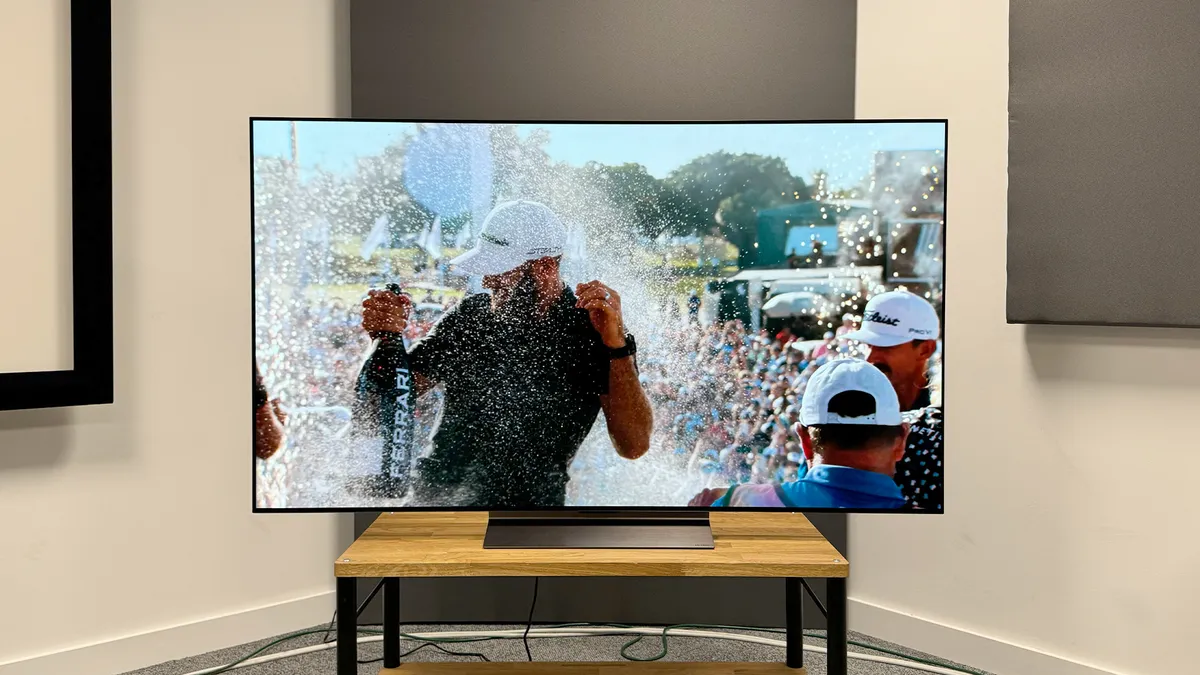
Discounts are available on all six models of LG's new TV over at Sevenoaks
A week dedicated to new turntable reviews, vinyl-related features, advice and interviews building up to Record Store Day 2024 on Saturday 20th April.
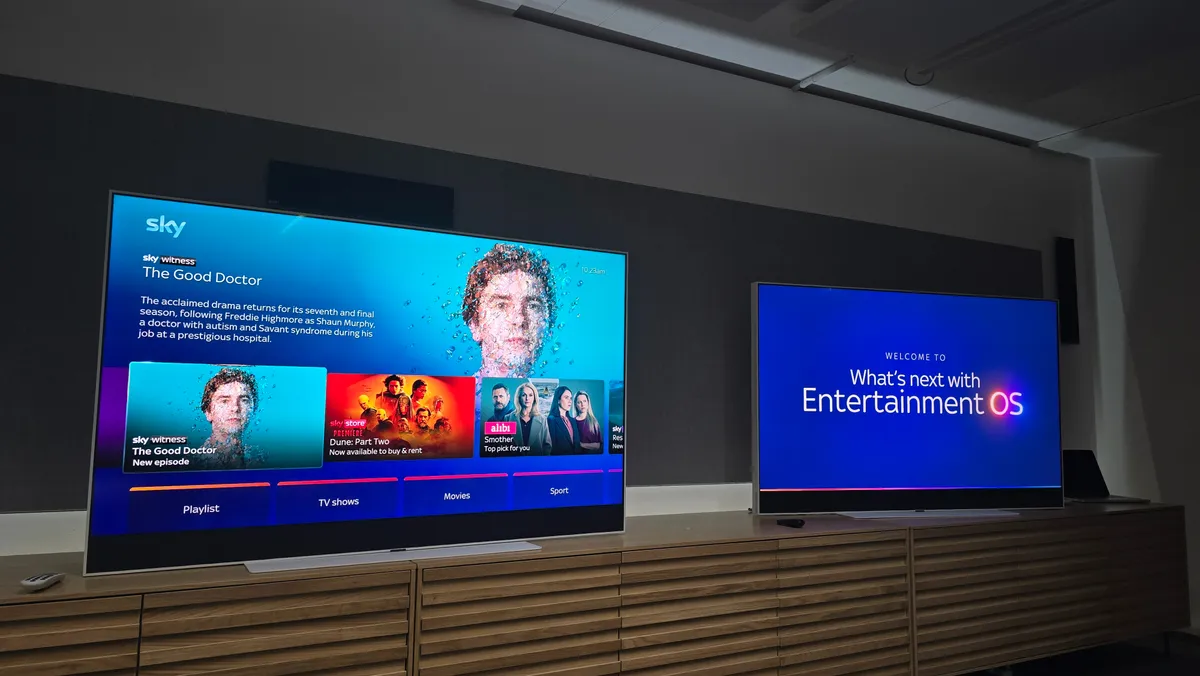
Sky has announced a host of upgrades coming to its Entertainment OS platform in the coming months.

Customers in participating regions can order online after Record Store Day concludes.

The Nothing Ear(a) and Nothing Ear are absolutely stacked with features considering how much they cost, but will their sound be up to scratch?
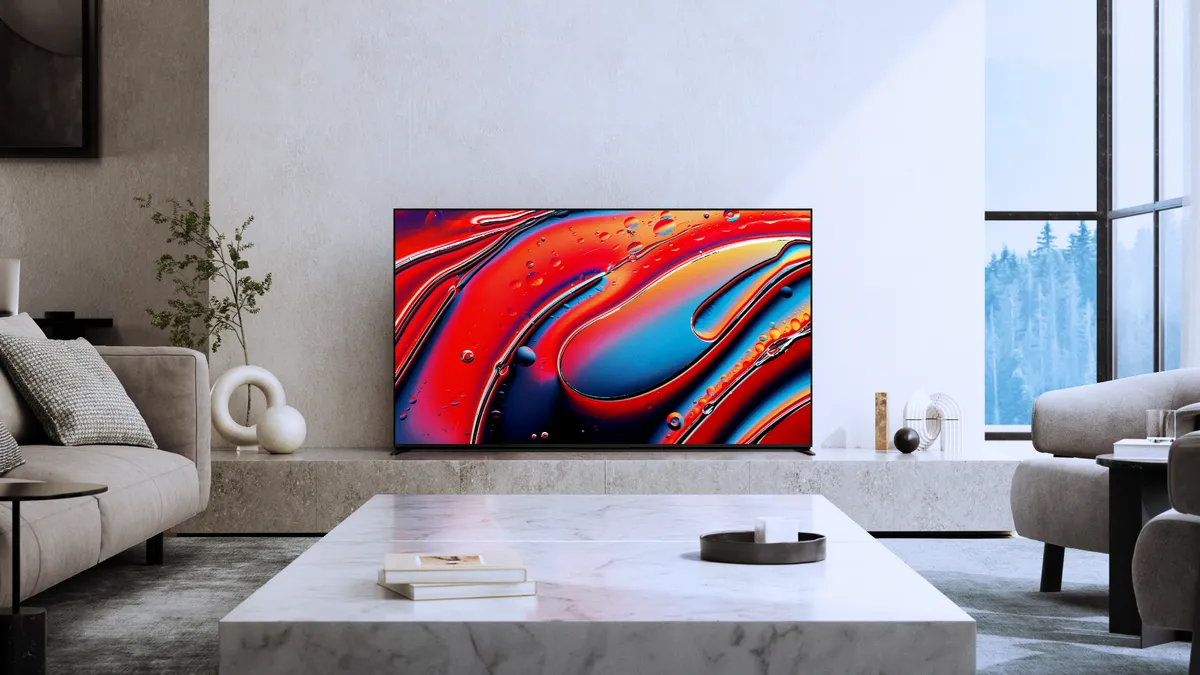
Sony has announced a three-strong TV lineup for 2024, with a successor to the A80L and two new Mini LED TVs.

Marshall will be hoping that the Major V and Minor IV will sound as good as they look.